uriroig
← Blog

News22 October 2026 · 4 min read

Canva Craft: AI images for your business

Canva launches Craft, its own AI image model, open to everyone and via API. What it does, where it falls short and how to use it in your marketing.

URUri Roiguriroig.es
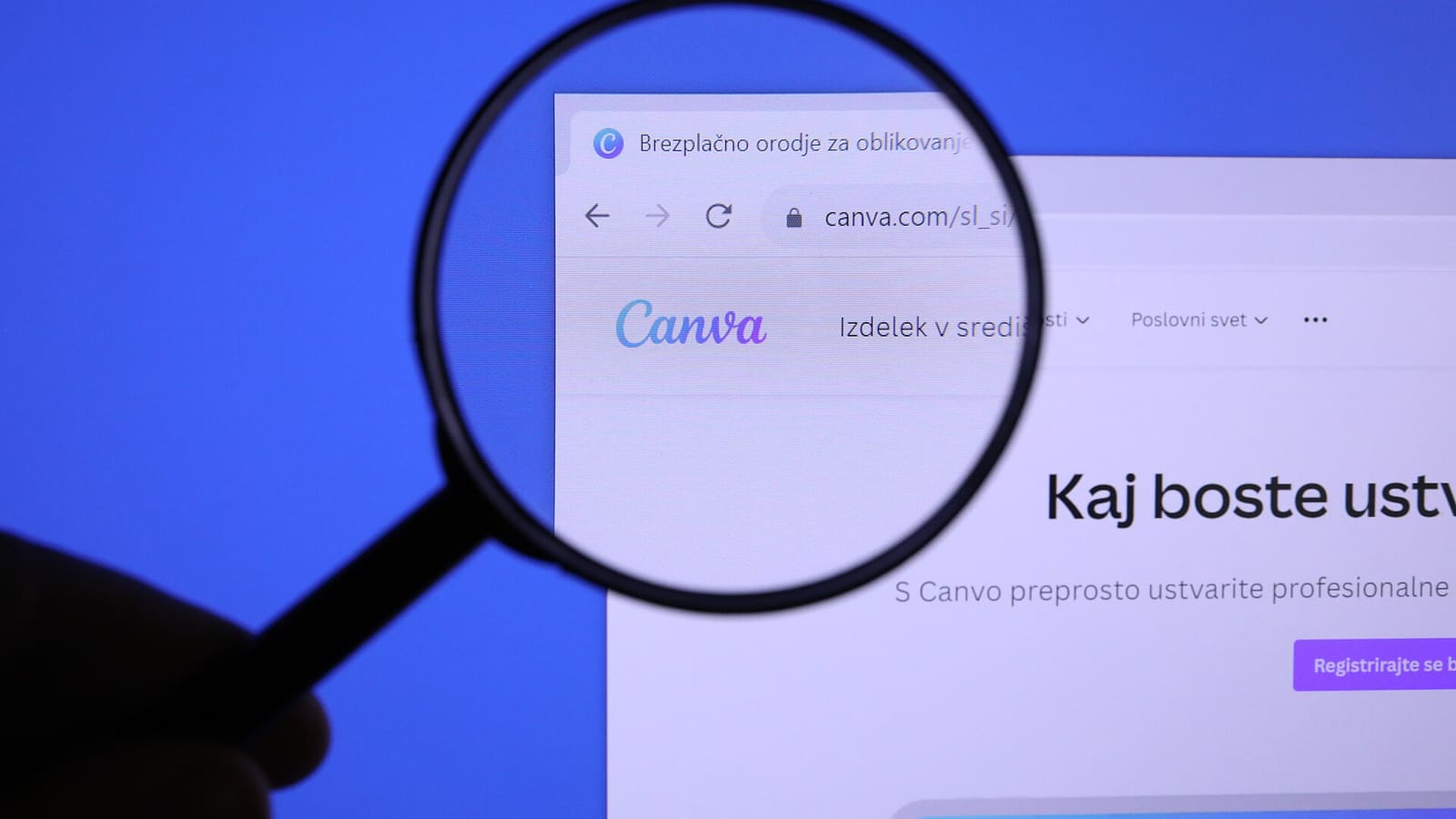
Lupa sobre la web de Canva que amplía su logotipo
📷 Jernej Furman from Slovenia · CC BY 2.0 · Wikimedia Commons
UR

I build websites, custom software, apps and AI automations for businesses.

  • ✓Fixed-price quote
  • ✓Reply within 24h
  • ✓No commitment
Get a free quote→
In this article
  1. What has happened
  2. Why it matters
  3. What it means for a Spanish small business
  4. What you can do now

On 22 October 2026 Canva unveiled Canva Craft, the first image-generation model it has developed itself. Until now, Canva's image features relied on third-party models. Craft is available to all users and also to developers through the Canva API.

What has happened

According to TechCrunch and FayerWayer, these are the key points:

  • It was created by Canva Research, with researchers from Leonardo.ai, the company Canva bought in 2024.
  • It works in two steps. First it plans the composition: where each element goes, its size, the visual hierarchy and the text. Then it generates the image. Canva says this makes the text legible and allows targeted changes without redoing the whole image.
  • It was trained on design templates, not photographs: posters, social media posts, presentations, infographics or menus created by people.
  • It generates images of up to 2K in around thirty different formats.
  • Images can be turned into editable layered designs, so you can change text or elements inside Canva.
  • It is in the Dream Lab tab of the app and in the public API.

Canva says Craft debuted in fourth place in the DesignArena image-model ranking. That is the company's own claim. It has also announced two faster, cheaper versions, Craft-fast and Craft-ultrafast, and a connection to assistants such as ChatGPT and Gemini through its MCP server, both without a specific date. It hasn't said how much usage each plan includes.
Why it matters

Most image generators are designed to create "photos". What a small business usually needs is something else: a poster with the Christmas opening hours, a post with an offer or a cover for a guide, with text that reads well and the brand in the right place. That is where Canva wants to stand out.

What is more, Canva is a tool that many small businesses already use. Having image generation built into the same place where you lay things out cuts steps: you generate, convert to layers, adjust and publish.

What it means for a Spanish small business

Sensible uses

  • Example: a restaurant that changes its set menu every week. It can generate a visual base in the venue's style and, because the result is editable, change just the dishes without redoing the design.
  • Example: a language academy that needs creatives to attract students in September and January. With a good prompt it gets several versions of the same ad for Instagram, stories and the website, and tests which works best.
  • Example: an online shop with hundreds of products that needs seasonal banners for each category. Through the API, generating drafts from the catalogue can be automated, with a person reviewing them before they are published.

What to watch out for

  • It doesn't replace the real product photo. A generated image can serve as a background or setting, but showing a customer a product that isn't exactly the one they will receive leads to returns and distrust.
  • Always check the text. Canva promises legible text, but hasn't specified how it behaves with accents, the letter ñ or Catalan. Test it before printing anything.
  • Brand consistency. If everyone on the team generates in their own way, the business's image gets scattered. Define colours, typefaces and a couple of base prompts that everyone reuses.
  • Terms of use. Before using generated images in ads or print, check what your Canva plan allows.
  • AI usage. Canva hasn't detailed how much Craft usage each plan includes; if you are going to generate a lot, check it in your account.

Tool or process

For one-off pieces, Dream Lab is enough. When we are talking about hundreds of images a month, connecting the shop's catalogue or having creatives come out on their own from a campaign, it is no longer a question of the tool but of the process: what data goes in, who reviews and where it is published. That is where the API is interesting.

What you can do now

  1. Try Craft with a real case: the next post you have to make. Compare the time with your usual way of working.
  2. Write three or four base prompts in your brand's style and save them for reuse.
  3. Check the generated text letter by letter before publishing.
  4. Measure results, not impressions. If you use these images in ads, compare clicks and enquiries against your previous creatives.
  5. If you generate in volume, consider automating it with human review at the end.

If you want your creatives to turn into more customer enquiries, in marketing and customer acquisition we explain how we approach it. And if you are interested in automating generation from your catalogue, we can look at it under AI automation.

Want to know whether AI-generated images are worth using in your campaigns? Tell us what you sell and where you advertise and we'll reply within 24 hours.

Sources

How's your website doing?FreeCheck it for free in 30 seconds: speed, Google, mobile and whether AI can find you.
Share itLinkedInWhatsAppX
UR

Written by

Uri Roig

Technical consultant and developer with more than 10 years of programming. I help small businesses grow their revenue with websites, custom software, apps and AI automation, from Matadepera (Barcelona).

+34 662 23 19 83 · WhatsApp

Keep reading

Free quote · reply within 24h

Tell me about your case

Tell us what you need and within 24h you'll have a fixed-price estimate. No commitment.

Step 2 of 2

Your details

By submitting you agree that we may contact you about your request. See privacy.