uriroig
← Blog

Guides23 October 2026 Β· 7 min read

Automating invoices with AI: a guide for SMEs

How to read, validate and record supplier invoices with AI without losing control: step-by-step workflow, options, what drives the cost, and Verifactu.

URUri Roiguriroig.es
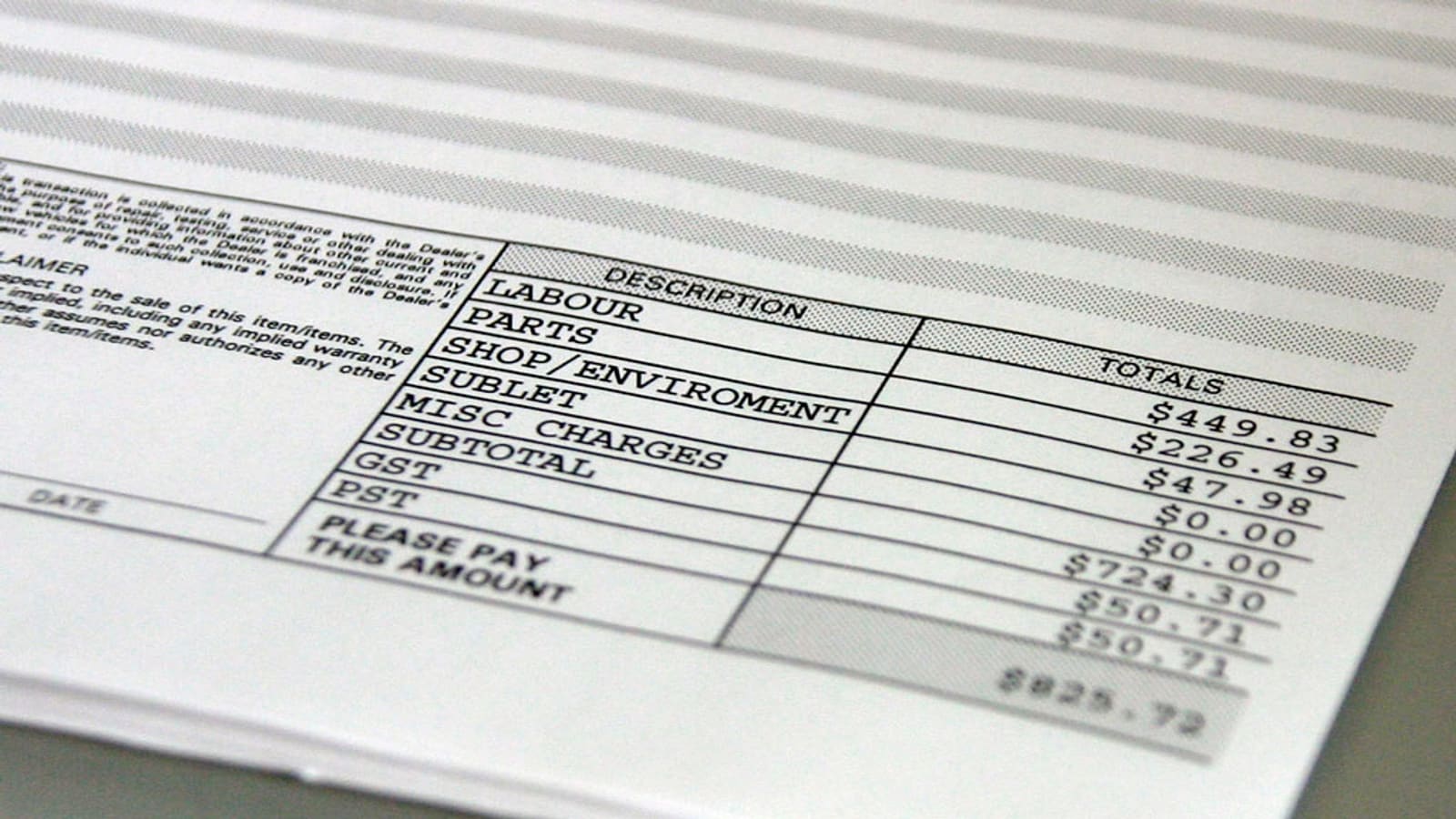
Primer plano de una factura impresa con el desglose de importes y el total a pagar
πŸ“· miguelb Β· CC BY 2.0 Β· Flickr
UR

I build websites, custom software, apps and AI automations for businesses.

  • βœ“Fixed-price quote
  • βœ“Reply within 24h
  • βœ“No commitment
Get a free quote→
In this article
  1. What automating invoices with AI means
  2. How it works, step by step
  3. What the machine does and what a person still does
  4. Three ways to do it
  5. An example for SMEs
  6. What you need before starting
  7. What the cost depends on
  8. What about Verifactu? And e-invoicing?
  9. Privacy and security
  10. Common mistakes
  11. Summary

If someone in your company spends hours every month opening supplier PDFs and copying tax IDs, taxable amounts, VAT and totals into the accounting program, this guide is for you. We explain what can be automated with artificial intelligence, what a person should still check, what options you have and what the cost depends on.

What automating invoices with AI means

Two different processes are usually meant:

  • Received invoices (suppliers): they arrive by email, through a portal or on paper. They have to be read, the data extracted and checked, then recorded and filed. This is where AI adds most.
  • Issued invoices (customers): they are generated from orders, delivery notes or work orders. Here automation is mostly about connecting systems so you do not type things twice, and the invoices themselves must be issued with billing software that complies with the regulations.

This guide focuses on received invoices, which is where the most repetitive manual work usually sits.

How it works, step by step

A typical workflow has six steps:

  1. Capture. A dedicated mailbox (for example, invoices@yourcompany.com) or a shared folder receives the invoices. Paper ones are scanned or photographed.
  2. Extraction. An AI model reads the PDF or image and returns structured data: supplier, tax ID, number, date, taxable amount, VAT rate and amount, withholdings, total and, if you need them, line items.
  3. Automatic validation. Simple rules that do not depend on the AI: that the taxable amount plus VAT minus withholding matches the total, that the tax ID has a valid format, that no invoice with the same number and supplier already exists, that the supplier is registered.
  4. Human review when needed. If something does not add up or the AI is not sure, the invoice goes to a review queue. A person corrects it in seconds instead of typing it all in.
  5. Recording. The validated data is sent to your accounting program or ERP, through an API or an import file.
  6. Filing and notification. The PDF is saved under a consistent name (date, supplier, number) and, if you wish, whoever has to approve payment is notified.

The key is in steps 3 and 4: the AI proposes, the rules check and a person decides in doubtful cases. That way you save time without losing control.

What the machine does and what a person still does

Task Manual Automated
Downloading email attachments Person Automatic
Typing in the invoice data Person AI
Checking that the amounts add up Person, by eye Automatic rules
Spotting duplicates Person, if they remember Automatic
Reviewing invoices with doubtful data Person Person, only those
Approving payment Person Person
Filing and renaming the PDF Person Automatic

Notice that approving payment remains a human task. Automating does not mean nobody looks at the invoices, but that nobody has to type them in.

Three ways to do it

Option When it fits Things to bear in mind
Reading feature in your accounting program If your program already includes it and it is enough for you Quick to set up; little room for your own rules
Specialised subscription tool High volume and a standard process Monthly fee, often per number of documents
Custom workflow (for example, with n8n and an AI model) Your own rules, several systems involved, or needs the tools do not cover Upfront investment; the workflow is yours and adapts to your process

Before commissioning anything, check whether your accounting program already does it. If it does it well, you do not need anyone. A custom workflow makes sense when, for example:

  • You need to match the invoice against the order or delivery note in your own system.
  • Invoices have to be allocated to projects, jobs or cost centres according to your own rules.
  • You receive invoices through several channels and want a single point of entry.
  • You want the same workflow to do more: alert you on Slack or Teams, update a cash-flow dashboard or chase a supplier for a missing invoice.

An example for SMEs

Imagine a distributor that receives about 200 supplier invoices a month. This is an illustrative example with round numbers; work it out with your own.

Current situation: a person in administration downloads the PDFs, types them into the accounting program and files them in folders. Suppose they spend 4 minutes per invoice: that is about 13 hours a month.

With the automated workflow:

  • Invoices arrive in a mailbox and are processed automatically.
  • Most pass the validations and are recorded without intervention.
  • Those that do not add up (a new supplier, a credit note, an unreadable PDF) appear in a queue with the doubtful field highlighted.
  • Administration reviews that queue once a day.

The time saved depends on how many invoices end up in review, and that depends on the quality of the documents you receive. That is why it is worth measuring for the first few weeks how many go through on their own and how many do not, rather than relying on generic percentages.

What you need before starting

  • A list of suppliers with their tax IDs. It makes it easier to validate and assign ledger accounts.
  • Knowing how data gets into your accounting program: whether it has an API, whether it accepts file imports or whether you can only type.
  • A single mailbox or folder where invoices are gathered.
  • Some real sample invoices, including the unusual ones: credit notes, with several VAT bases, in another language.
  • A person responsible for reviewing the queue of doubtful cases.

What the cost depends on

Each project is quoted at a fixed price once we have seen your case. The main factors:

Scope What it includes
Basic workflow Mailbox, AI extraction, validations and output to a spreadsheet or import file
Integrated workflow The above, plus direct delivery to the accounting program or ERP through an API and a review queue
Complete process Matching against orders or delivery notes, allocation to projects, approvals and alerts

On top of that come the running costs: the use of the AI model, which is paid per document processed, and hosting for the workflow. We itemise them in the quote so you know what it will cost you each month at your volume.

Take a look at our AI and automation service. If the main thing is connecting your accounting program to other systems, also see integrations and APIs.

What about Verifactu? And e-invoicing?

These are two related topics that are best not mixed up:

  • Verifactu (the Spanish tax authority's rules for invoicing software) regulates the computer systems you issue your invoices with, not the reading of those you receive. What affects you is that your billing program meets the requirements. The official information is on the Spanish Tax Agency's Verifactu page.
  • The timetable is changing. The dates set by Royal Decree-Law 15/2025 were 1 January 2027 for companies and 1 July 2027 for everyone else, as Cuatrecasas reports. In October 2026 the tax authority announced a further postponement until October 2028, still pending approval and publication in the BOE (Spain's official gazette), as Infocop explains. Before deciding anything, check the Tax Agency's official page or ask your adviser.

The practical point: a workflow for received invoices does not depend on those dates and you can start it now. And if in future you receive more invoices in a structured electronic format, the workflow gets simpler, because the data no longer has to be "read" from a PDF.

Privacy and security

Invoices contain data about suppliers and, sometimes, individuals (self-employed people). Bear in mind:

  • Use AI providers that offer business terms and do not train their models on your data. Check their data processing agreement.
  • If you can choose, process data on servers in the European Union.
  • Give access to the mailbox and the review queue only to those who need it.
  • Keep a record of what was processed, when and who corrected what.

Common mistakes

  • Wanting it 100% automatic from day one. Start with human review of everything for a few weeks and relax it as you see it working.
  • Not testing with unusual invoices. The normal ones almost always come out fine; the problems lie in credit notes, refunds and invoices with several VAT bases.
  • Automating a messy process. If everyone records invoices in a different way, you first need to agree how it is done.
  • Forgetting maintenance. If you change accounting program or a supplier changes format, the workflow needs adjusting.

Summary

  • The AI reads and types; the rules check; a person reviews the doubtful cases and approves payments.
  • Before commissioning anything, see whether your accounting program already solves it.
  • A custom workflow pays off when you have your own rules or several systems involved.
  • Verifactu affects how you issue invoices, not how you read the ones you receive, and its timetable is under review.

Want to know whether your case can be automated and how much it would cost? Tell us how you handle invoices today and we will reply within 24 hours.

What do manual tasks cost you?FreeWork out in a minute the hours and money you lose each year and what you could win back.
Share itLinkedInWhatsAppX
UR

Written by

Uri Roig

Technical consultant and developer with more than 10 years of programming. I help small businesses grow their revenue with websites, custom software, apps and AI automation, from Matadepera (Barcelona).

+34 662 23 19 83 Β· WhatsApp

Keep reading

Free quote Β· reply within 24h

Tell me about your case

Tell us what you need and within 24h you'll have a fixed-price estimate. No commitment.

Step 2 of 2

Your details

By submitting you agree that we may contact you about your request. See privacy.