uriroig
← Blog

Guides28 October 2026 · 7 min read

Systems integration: how to connect your software

What systems integration is, how to connect your ERP, CRM, online shop and accounts so they share data, which options exist and which mistakes to avoid.

URUri Roiguriroig.es
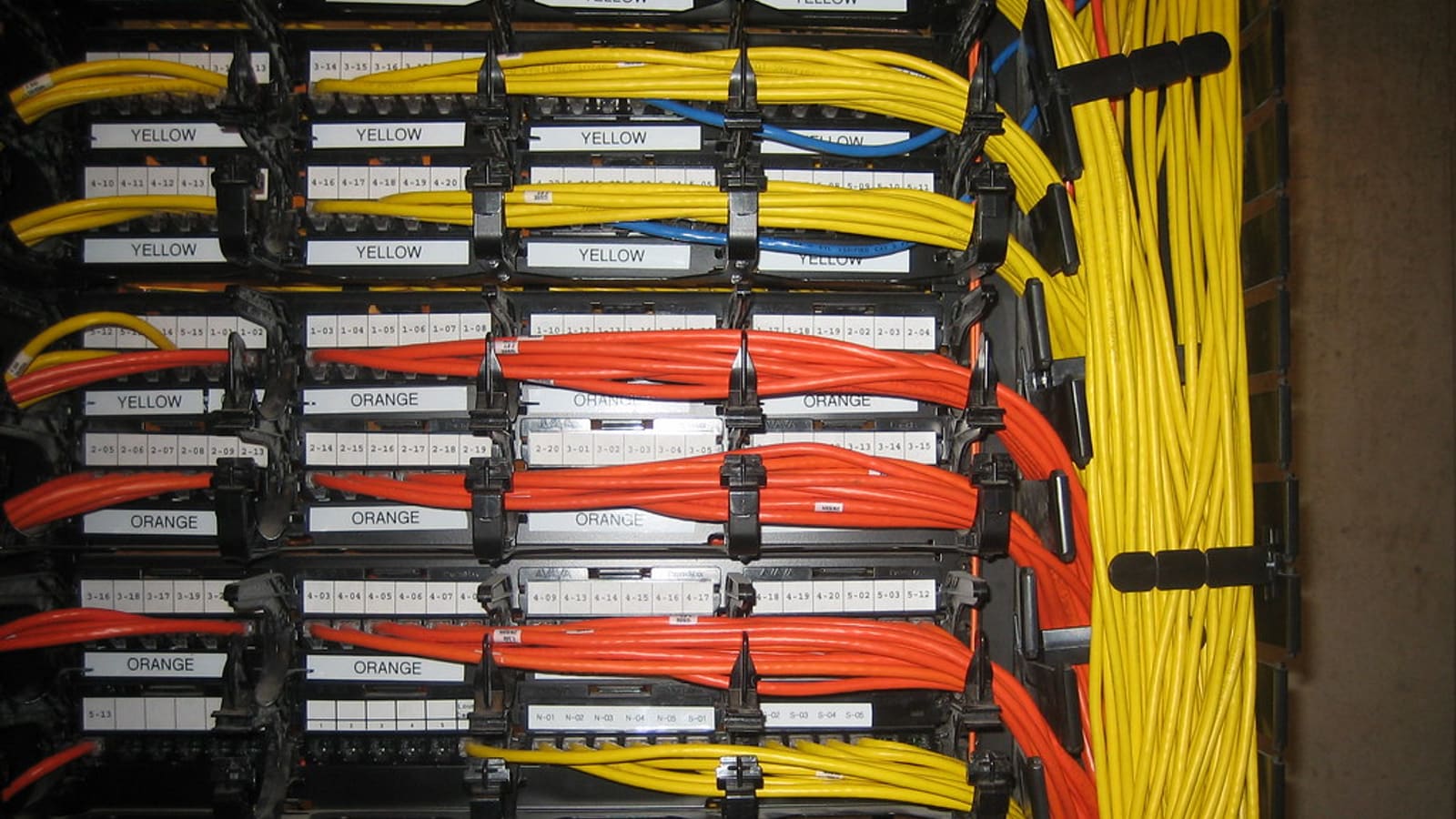
Panel de conexiones con cables de red naranjas y amarillos ordenados
📷 dmitrybarsky · CC BY 2.0 · Flickr
UR

I build websites, custom software, apps and AI automations for businesses.

  • ✓Fixed-price quote
  • ✓Reply within 24h
  • ✓No commitment
Get a free quote→
In this article
  1. Signs that you need to integrate your systems
  2. How two programs are connected
  3. Types of systems integration
  4. The most common integrations in a small business
  5. How to plan an integration project
  6. Common mistakes when connecting software
  7. What affects the cost of an integration
  8. Frequently asked questions
  9. Summary

Systems integration means connecting the programs a company uses (ERP, CRM, online shop, accounting, bank, email) so that they exchange data automatically, without anyone having to copy it by hand. When a customer buys on the website, the order appears in the management software, the stock is updated and the invoice reaches the accounts, all without typing anything twice.

Most small businesses don't have a problem with bad software, but with software that doesn't talk to each other. This guide explains what systems integration is, how programs are connected, what options there are and how to plan a project without breaking what already works.

Signs that you need to integrate your systems

  • Someone spends hours copying data from one program to another: orders from the shop to the ERP, customers from the CRM to invoicing.
  • The stock on the website doesn't match the warehouse and you sell products you don't have.
  • Each department has its own version of the data and nobody knows which one is right.
  • Transcription errors (an amount, a tax ID, a reference) keep happening.
  • To know how the business is doing, you have to combine exports from several programs in an Excel file.
  • You have thought about replacing all your programs with a single one, even though each works well on its own.

That last point matters: integrating is usually quicker and cheaper than replacing. If your programs do their job well, connecting them can solve the problem without migrations or new training.


How two programs are connected

There are several technical ways to connect software. From most to least recommended:

Method How it works Advantages Limitations
API The program offers a "door" so others can read or write data in a controlled way Reliable, real time or close to it, secure Only if the program has an API and allows you to use it
Webhooks One program notifies another when something happens (new order, payment received) Immediate, no constant polling Usually combined with an API
Ready-made connectors Integrations offered by the vendor itself or by automation platforms Quick to set up They cover common cases; they fall short with custom rules
File exchange One program generates a CSV or XML file and another imports it on a schedule Works with older programs Not real time, and more likely to fail silently
Direct database access Data is read or written directly in the program's database A last resort with closed programs Fragile: an update to the program can break it

An API (application programming interface) is, in practice, the standard way to connect software today. Before signing up for any program, ask whether it has a documented API and whether it is included in your plan.

Types of systems integration

Point to point

Each program connects directly to another. It is the simplest approach when there are two or three programs.

Example: the online shop sends each order to the management software, which sends back the updated stock at regular intervals.

With a central system

When there are many programs, connecting them all to each other becomes unmanageable. A component is placed in the middle (your own integration service or an automation platform) that receives data from each system and passes it on to the others.

Example: a company with an online shop, a marketplace, an ERP, a CRM and an accounting program. Instead of ten crossed connections, each program connects only to the central system, which applies the rules (which customer is which, which price list applies, which tax is due).

Integrations with suppliers and customers

It isn't only internal programs that can be connected. You can also receive customer orders or supplier catalogues automatically, instead of by email. For these cases, you sometimes need to develop your own API that others can use.

The most common integrations in a small business

Connection What gets automated
Online shop ↔ ERP or management software Orders, stock, prices, customers, shipping status
CRM ↔ invoicing Accepted quotes turned into invoices
Invoicing ↔ accounting or accountancy firm Issued and received invoices, with no manual exports
Bank ↔ accounting Transactions to reconcile receipts and payments
Web forms ↔ CRM Every enquiry enters as an opportunity, with its source
ERP ↔ carrier Labels and shipment tracking
Several programs ↔ dashboard Data from the whole business on a single screen

If yours is the first case, we have a specific service for connecting your online shop to your ERP. And if what you want is to see your data together, take a look at our guide to business intelligence for small businesses.

How to plan an integration project

  1. Take stock. List all the programs you use, who uses them and what data they hold. Include spreadsheets: they are often the invisible integrations.
  2. Map the path of the data. For example: "the order comes in on the website, goes to the ERP, the delivery note is produced, it is invoiced and goes to accounting". Mark where someone copies by hand today.
  3. Decide which system is the master for each piece of data. Stock is governed by the ERP; contact details by the CRM; invoices by the invoicing program. If two systems can change the same thing, there will be conflicts.
  4. Check what each program allows. Whether it has an API, what data it exposes and whether there are usage limits.
  5. Define what happens when something fails. An order that doesn't sync can't be lost silently. You need an error log and alerts.
  6. Start with the connection that saves the most hours and expand afterwards.
  7. Test with real data before going live, including the odd cases: returns, partial orders, customers with no tax ID.

Example: an online spare-parts shop manages its stock in its management software and updates the website by hand every morning. During the day it sells parts it no longer has. The integration means that every sale on the website deducts stock in the software and every change in the software is reflected on the website within minutes. Stock is connected first; orders and customers follow in a second phase.

Common mistakes when connecting software

  • Not deciding which system is the master, and ending up with data overwriting itself.
  • Not monitoring the integration. If one day it stops working and nobody notices, the problem shows up weeks later.
  • Depending on connectors you don't control for critical processes with no plan B.
  • Connecting dirty data. If a customer is duplicated in one system, the integration will duplicate it in all of them.
  • Forgetting the documentation. Whoever comes next must be able to understand what is connected to what.

What affects the cost of an integration

We don't publish prices because they depend on each case, but these are the factors:

  • Number of programs and types of data exchanged.
  • Whether the programs have a documented API or files have to be used.
  • Business rules: customer-specific prices, taxes, units, reference equivalences.
  • Volume and frequency: a few dozen orders a day or thousands in real time.
  • Prior data cleaning and initial migration.
  • Maintenance: programs get updated and the integration must keep working.

Frequently asked questions

What is systems integration in a company?

It means connecting the programs the company uses so that they share data automatically. The aim is for each piece of data to be entered only once and reach every system that needs it.

Can programs without an API be connected?

Often yes, through scheduled file exchange or, as a last resort, by accessing their database. These solutions are more fragile, so it is worth considering whether that program has a future in your company.

Is it better to integrate or to switch to a single program?

If your programs work well separately, integrating is usually quicker and cheaper. Switching to a single system makes sense when several of them no longer cover what you need. We explain it in what an ERP is and when a small business needs one.

Are no-code automation tools suitable for integrating systems?

For simple cases and low volumes, yes. When there are custom rules, high volume or critical processes such as invoicing, an integration that is developed and monitored is the better choice.

Who maintains the integration when a program is updated?

It should be clear from the start. An integration needs monitoring and adjustments whenever one of the connected programs changes.

Summary

  • Integrating systems means making your programs share data on their own.
  • An API is the most reliable way to connect them; files and database access are the last resort.
  • Decide which system is the master for each piece of data and keep an eye on errors.
  • Start with the connection that removes the most manual work.

If you want your shop, your ERP, your CRM and your accounts to stop needing someone to copy data, see how we handle integrations between programs or tell us which programs you use and we will prepare a fixed-price quote.

What do manual tasks cost you?FreeWork out in a minute the hours and money you lose each year and what you could win back.
Share itLinkedInWhatsAppX
UR

Written by

Uri Roig

Technical consultant and developer with more than 10 years of programming. I help small businesses grow their revenue with websites, custom software, apps and AI automation, from Matadepera (Barcelona).

+34 662 23 19 83 · WhatsApp

Keep reading

Free quote · reply within 24h

Tell me about your case

Tell us what you need and within 24h you'll have a fixed-price estimate. No commitment.

Step 2 of 2

Your details

By submitting you agree that we may contact you about your request. See privacy.