uriroig
← Blog

Guides23 November 2026 · 10 min read

Types of ERP: what they are and how to choose yours

Types of ERP explained: cloud, on-premise or hybrid; general or industry-specific; off-the-shelf or bespoke; open source or proprietary. Pros and fit.

URUri Roiguriroig.es
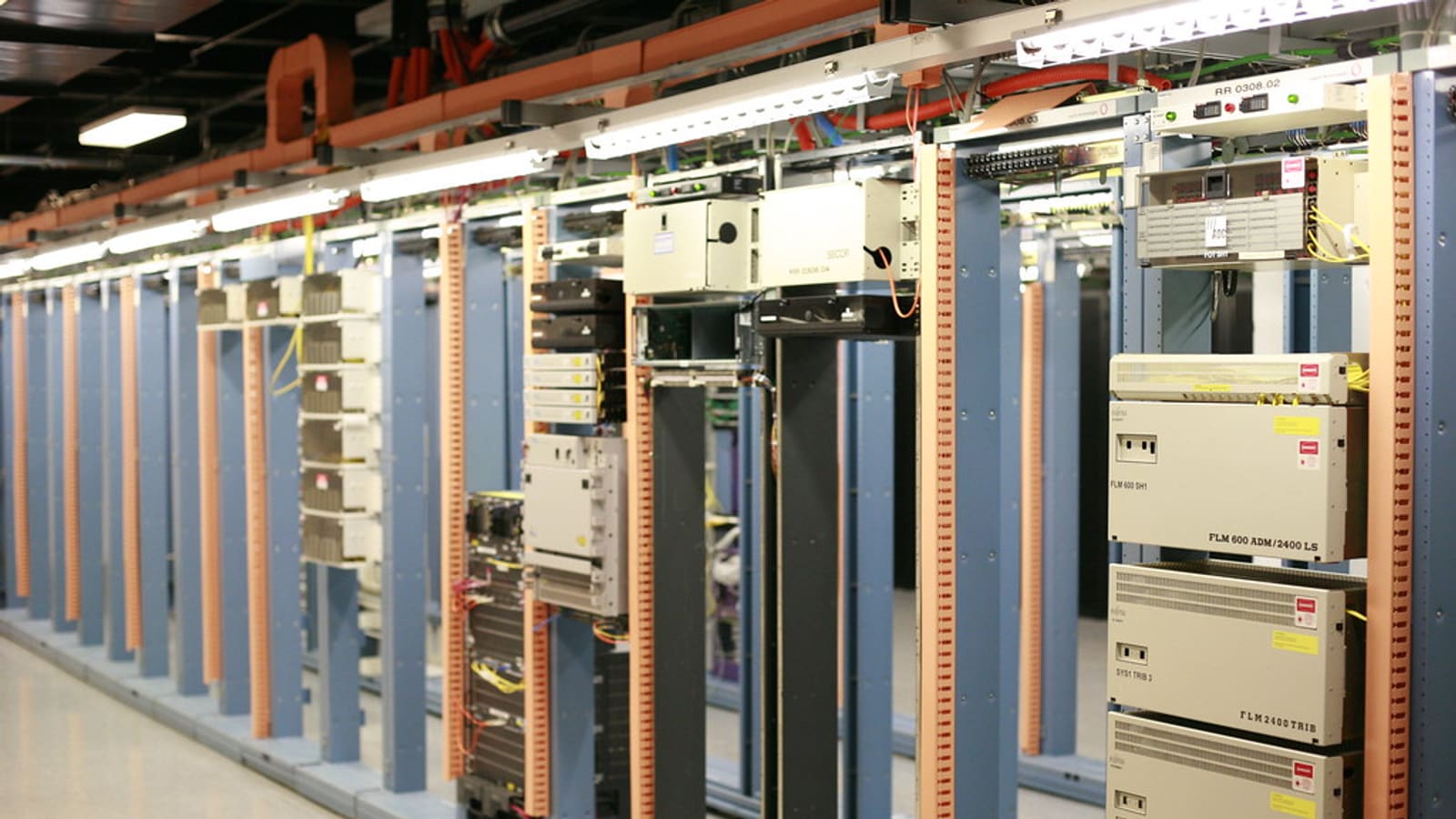
Server room with open racks full of network equipment and cabling
📷 Robert Scoble · CC BY 2.0 · Flickr
UR

I build websites, custom software, apps and AI automations for businesses.

  • ✓Fixed-price quote
  • ✓Reply within 24h
  • ✓No commitment
Get a free quote→
In this article
  1. What ERP software is, in one sentence
  2. 1. Types of ERP by deployment
  3. 2. Types of ERP by scope
  4. 3. Types of ERP by origin
  5. 4. Types of ERP by licence
  6. 5. Types of ERP by company size
  7. Summary table of ERP types
  8. How to work out which type of ERP you need
  9. Frequently asked questions
  10. Summary

ERP systems are classified by five criteria: where they run (cloud, on-premise or hybrid), who they are aimed at (general-purpose or industry-specific), how they are built (off-the-shelf, bespoke or customised off-the-shelf), what licence they have (open source or proprietary) and what size of company they are designed for. Every ERP has one value for each criterion: it might be, for example, a general-purpose, cloud-based, proprietary ERP designed for SMEs.

Understanding these types helps you narrow things down before looking at brands. If you are not yet sure what an ERP is, start with what an ERP is and when an SME needs one. If you already know which type you want and wish to compare products, see our comparison of the best ERP for small businesses.

What ERP software is, in one sentence

An ERP system is a program that brings a company's core management (sales, purchasing, stock, production, invoicing and often accounting) into a single database, so that each piece of data is entered once and every department sees it.

1. Types of ERP by deployment

This affects day-to-day work: who maintains the servers and who controls the updates.

Cloud ERP (SaaS)

What it is: the vendor hosts the ERP and you use it from a browser or an app, usually with a subscription per user or per plan.

  • Pros: no servers of your own; backups and updates handled by the provider; access from anywhere; quick to get started.
  • Cons: customisation limited to what the platform allows; updates arrive when the vendor decides; you depend on the internet and the contract; getting your data out if you switch may not be straightforward.
  • Who it suits: SMEs without an IT department that work much like most of their sector.

We cover the underlying decision between renting software and owning it in SaaS or bespoke software.

On-premise ERP

What it is: the ERP is installed on your company's servers or on a server you rent and control. It is usually paid for with a licence and a maintenance contract.

  • Pros: full control over your data and over when to update; more room for customisation and integrations; it can keep working on the internal network even if the internet goes down.
  • Cons: someone has to look after servers, backups, security and updates; the upfront investment is usually higher; over the years it is easy to get stuck on an old version nobody dares to update.
  • Who it suits: companies with strict requirements about where their data is held, with production that cannot depend on the internet, or with a trusted in-house or external technical team.

Hybrid ERP

What it is: a combination of both. For example, core management on your own server and some parts in the cloud (online shop, sales team app, customer portal).

  • Pros: you keep critical functions in-house and use the cloud for whatever needs mobility.
  • Cons: more pieces to maintain and connect; if the integrations are poorly built, data ends up duplicated or out of date.
  • Who it suits: companies with several sites, mobile teams, or an on-premise system they want to move to the cloud in stages.

Some ERP systems support several deployment options. Odoo, for example, can be used on Odoo Online, Odoo.sh or your own server, with important differences between them that we explain in Odoo ERP: reviews, pros and limitations.

2. Types of ERP by scope

General-purpose (horizontal) ERP

What it is: an ERP designed for companies in many sectors, with common modules (sales, purchasing, stock, accounting…) configured for each case.

  • Pros: more modules, more integrations and more providers who implement it; if your business changes, it is likely to keep working for you.
  • Cons: what is specific to your sector does not come as standard; the initial configuration takes more work and, without it, the system stays generic.
  • Who it suits: companies with common processes (buying, selling, storing, invoicing) or with several different business lines.

Industry-specific (vertical) ERP

What it is: an ERP built for a particular sector: construction, food, workshops, pharmaceutical distribution, fashion, professional firms… It comes with what that sector needs, such as construction progress certificates, batch traceability or sizes and colours.

  • Pros: quick to fit, needs less configuration, and the provider usually knows the sector's regulations.
  • Cons: fewer options and sometimes small providers you depend on heavily; it falls short if you work differently from most; fewer integrations.
  • Who it suits: companies that work like most of their sector and have specific requirements a general-purpose ERP does not cover without customisation.

Many general-purpose ERP systems offer vertical modules or solutions built by their partners, so the line is not always clear-cut.

3. Types of ERP by origin

Off-the-shelf ERP

What it is: a ready-made product that you buy or rent. Your company adapts to the way it works.

  • Pros: it is up and running sooner, has been tested by many companies, and the vendor maintains and updates it.
  • Cons: you pay for features you do not use and miss others; your way of working adjusts to the software, not the other way round.
  • Who it suits: most SMEs with common processes.

Bespoke ERP

What it is: a system programmed for your company, with your processes, your screens and your rules. The code is yours, or you have the right to use it, depending on the contract.

  • Pros: a perfect fit; no per-user licences; it can grow with you and turn your way of working into an advantage.
  • Cons: it requires more upfront investment and more time before it is up and running; it depends on the quality of the team building it and on the project being properly documented.
  • Who it suits: companies whose way of working is their competitive advantage, or that cannot find any off-the-shelf product that covers it without forcing it.

Customised off-the-shelf ERP

What it is: an off-the-shelf ERP for the common parts (accounting, invoicing, purchasing) plus bespoke development or integrations for what sets you apart.

  • Pros: it builds on what already works and only programs what is needed.
  • Cons: every customisation has to be checked with each update of the standard product; customise too much and you end up with the worst of both worlds.
  • Who it suits: SMEs that fit an off-the-shelf product in almost everything but have one or two processes that do not.

The full comparison of these three options is in bespoke or off-the-shelf ERP: how an SME should choose.

4. Types of ERP by licence

Open source ERP

What it is: an ERP whose source code is published under a free licence, so it can be used, studied and modified. Odoo's Community edition, for example, is distributed under the LGPLv3 licence according to its official documentation.

  • Pros: no licence fee; you do not depend on a single provider; it can be customised in depth.
  • Cons: "no licence fee" does not mean free: installing, hosting, updating and customising it takes work; some features are only in the paid version or in third-party modules of uneven quality.
  • Who it suits: companies with a technical team (in-house or external) that takes responsibility for the system.

Proprietary ERP

What it is: the code belongs to the vendor and you use it under a licence or subscription. This is the case for most commercial ERP systems.

  • Pros: a single party responsible for the product, official support and a defined roadmap.
  • Cons: terms and changes depend on the vendor; customisation is only possible within what it allows.
  • Who it suits: companies that would rather pay for a closed, supported product than manage the technical side.

5. Types of ERP by company size

  • ERP for small businesses and sole traders: few modules, usually in the cloud, focused on invoicing, accounting and some stock. They can be up and running in days, but fall short with production or several warehouses.
  • ERP for SMEs: they cover several connected areas and support integrations. This is the segment with the widest choice.
  • ERP for large enterprises: designed for several companies, countries, currencies and thousands of users. They require long implementation projects and dedicated teams; for an SME they are usually overkill.

Size is a guide, not the deciding factor: a small company with complex manufacturing may need more than a medium-sized services firm.

Summary table of ERP types

Criterion Type Strength Weakness Suits
Deployment Cloud (SaaS) No servers, quick to start Limited customisation SMEs without a technical team
Deployment On-premise Control of data and versions Self-maintenance Strict requirements or production without internet
Deployment Hybrid Critical parts in-house, mobility in the cloud More pieces to connect Several sites or phased migration
Scope General-purpose Flexible, many integrations Needs configuring Common processes
Scope Industry-specific Quick fit for the sector Falls short if you stray from the norm Typical companies in their sector
Origin Off-the-shelf Tested and maintained You adapt to the software Most SMEs
Origin Bespoke Perfect fit, no per-user licences More upfront investment Processes that are a competitive edge
Origin Customised off-the-shelf A balance of both Maintaining customisations One or two special processes
Licence Open source No licence fee, adaptable Needs a technical team Those with reliable technical support
Licence Proprietary Support and a single responsible party Vendor dependence Those who prefer a closed product

How to work out which type of ERP you need

Answer these questions in this order; each answer rules out options:

  1. Which processes need to be included? List the ones causing most pain today: orders, stock, production, projects, invoicing.
  2. Do you work like most of your sector? If so, look first at industry-specific and general-purpose off-the-shelf products. If not, consider a customised off-the-shelf or bespoke system.
  3. Who will look after the technical side? If nobody, cloud and proprietary software reduce risk. With a trusted team, on-premise and open source become options.
  4. What needs to connect? Online shop, bank, accountant, e-invoicing, shop-floor machines. Check which integrations exist before choosing.
  5. How will you grow over the next three to five years? More users, another site, another company. The ERP has to cope with that scenario.

Once you have chosen the type, comparing specific products is much quicker. If what you need in the end is your own system or an off-the-shelf product with bespoke parts, that is what we do in our bespoke ERP and CRM service.

Frequently asked questions

How many types of ERP are there?

There is no official list. They are usually classified by deployment (cloud, on-premise, hybrid), scope (general-purpose or industry-specific), origin (off-the-shelf, bespoke or customised off-the-shelf), licence (open source or proprietary) and company size. Every ERP combines one value from each criterion.

Which type of ERP is best for an SME?

For most, an off-the-shelf cloud ERP, general-purpose or industry-specific depending on how closely their way of working matches their sector. When one or two processes do not fit, a customised off-the-shelf product usually works better than forcing the software.

Is a cloud ERP less secure than an on-premise one?

Not necessarily. A reputable provider usually has more security resources than an SME with a server in a cupboard. What matters is checking where the data is hosted, how backups are made and how you can export it if you change provider.

Is open source ERP free?

The licence may cost nothing, but implementation, hosting, updates and customisation do. Always compare the total cost, not just the licence.

Can you switch to a different type of ERP later?

Yes, but it is a project in its own right: you have to migrate data, rebuild integrations and retrain the team. That is why it is worth thinking about growth before choosing and making sure you can always export your data.

Summary

  • ERP types are defined by deployment, scope, origin, licence and company size.
  • Decide on the type first and the brand second: it will save you demos that do not fit.
  • Cloud and off-the-shelf are the usual starting point for an SME; on-premise, open source and bespoke require more technical involvement.
  • When only one or two processes do not fit, a customised off-the-shelf product is usually the right balance.

Not sure which type of ERP suits your company? Tell us how you work and we will help you decide, with a fixed-price quote if it fits what we do.

What do manual tasks cost you?FreeWork out in a minute the hours and money you lose each year and what you could win back.
Share itLinkedInWhatsAppX
UR

Written by

Uri Roig

Technical consultant and developer with more than 10 years of programming. I help small businesses grow their revenue with websites, custom software, apps and AI automation, from Matadepera (Barcelona).

+34 662 23 19 83 · WhatsApp

Keep reading

Free quote · reply within 24h

Tell me about your case

Tell us what you need and within 24h you'll have a fixed-price estimate. No commitment.

Step 2 of 2

Your details

By submitting you agree that we may contact you about your request. See privacy.